
New Page Available: Explore Power BI features with Power BI
I spend a lot of time going through the Power BI documentation to find answers about Power BI features. As always, I look for opportunities to make my life easier when I need to look through of data. What better tool for this than Power BI itself?
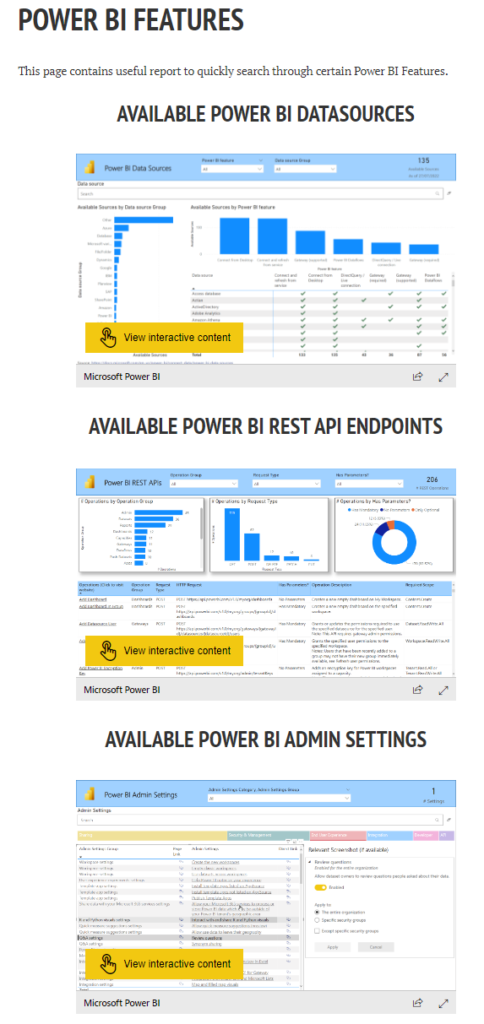
So, I created a few reports to help me and you to find easier and faster what we search for.
Questions like:
- Is it mandatory to use Data Gateway if I need to connect to Amazon Athena?
- Will I be able to connect live to Essbase?
- What are the parameters I need to use if I want to get all the reports using the Rest APIs?
- Is there an API call to cancel a dataset refresh?
- What options admin have to manage external user access?
- I saw a feature in a blog post/video, but I cannot see it in my tenant, can the admin turn it off?
Link to the Page: Power BI Features
Hope you find these reports useful for finding answers to your questions faster.

